Siemens LOGO! Series Starter Kit for Use with LOGO! 8.3, 230 V ac Supply
- RS庫存編號:
- 165-3283
- 製造零件編號:
- 6ED1057-3BA03-0AA8
- 製造商:
- Siemens

不可供應
RS 不再對此產品進貨。
- RS庫存編號:
- 165-3283
- 製造零件編號:
- 6ED1057-3BA03-0AA8
- 製造商:
- Siemens
規格
產品概覽和技術數據資料表
法例與合規
產品詳細資訊
透過選取一個或多個屬性來查找類似產品。
選取全部 | 屬性 | 值 |
|---|---|---|
| 品牌 | Siemens | |
| Manufacturer Series | LOGO! | |
| For Use With | LOGO! 8.3 | |
| Supply Voltage | 230 V ac | |
| Kit Included | Yes | |
| Mounting Type | DIN Rail | |
| 選取全部 | ||
|---|---|---|
品牌 Siemens | ||
Manufacturer Series LOGO! | ||
For Use With LOGO! 8.3 | ||
Supply Voltage 230 V ac | ||
Kit Included Yes | ||
Mounting Type DIN Rail | ||
- COO (Country of Origin):
- CN
Siemens Logic Module For Use With LOGO! 8.3 Series, 230V AC Supply Voltage - 6ED1057 Series - 6ED1057-3BA03-0AA8
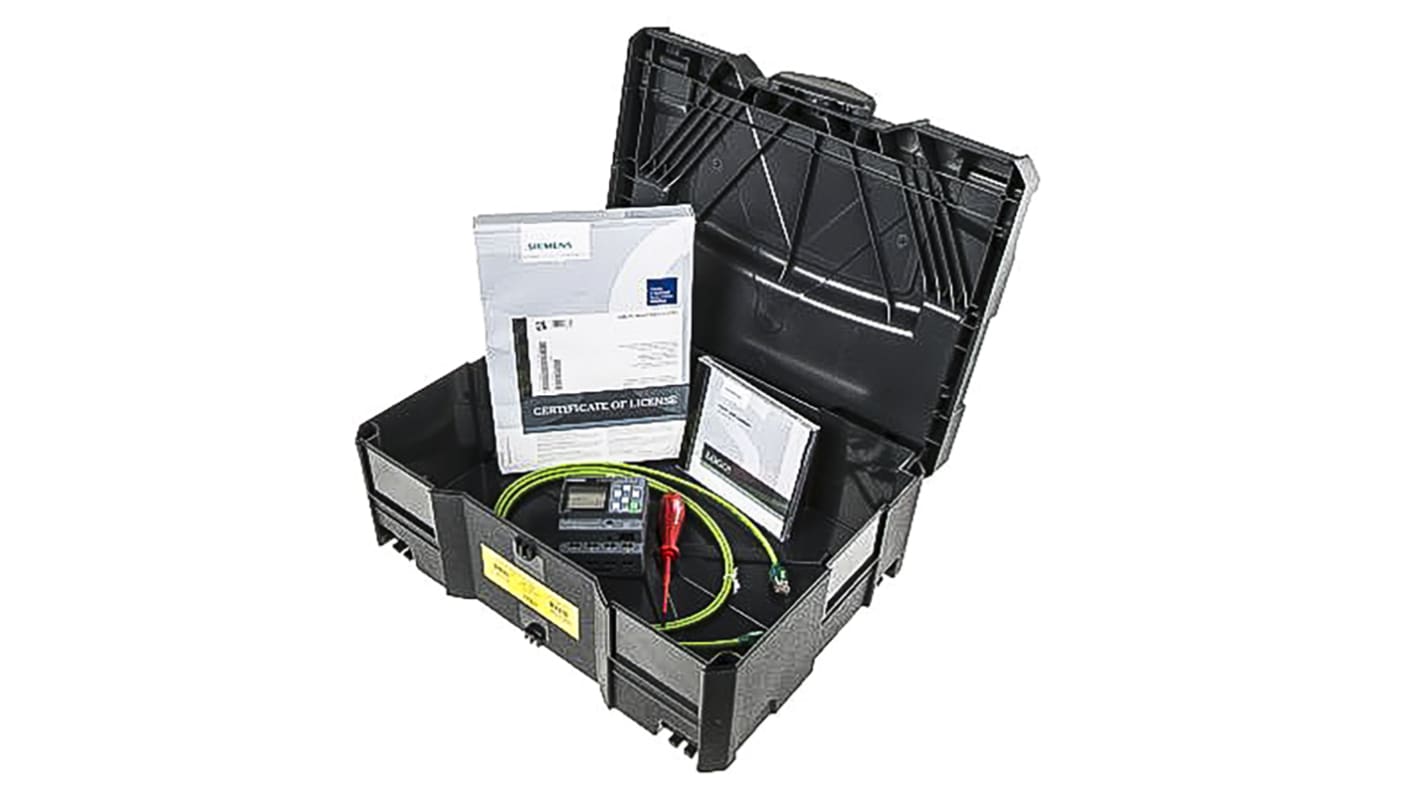
Use this logic module from Siemens to automate systems in your industrial environment. It comes conveniently supplied with SOFT Comfort V8.3 software, an Ethernet cable and a screwdriver. An LCD with navigational buttons lets you set parameters and make the decisions needed to operate field devices connected to an I/O module. With eight input and four output digital ports, this unit is able to detect operating states and issue corresponding instructions, making it useful for controlling multiple appliances at the same time. There's a DIN rail mounting clip on the back for easy, tool-free installation.
• Ethernet cable to connect the PLC to a CPU for programming
• Operating temperature range between 0°C and +55°C for use in harsh conditions
• 230V AC voltage supply for compatibility with mains power
• SOFT Comfort V8.3 simulation and configuration software for easy integration with any CPU
• Operating temperature range between 0°C and +55°C for use in harsh conditions
• 230V AC voltage supply for compatibility with mains power
• SOFT Comfort V8.3 simulation and configuration software for easy integration with any CPU
How do I programme this logic module?
To programme this device, install the SOFT Comfort V8.3 software on a PC first. Then, using the Ethernet cable, connect your unit to the PC via the RJ45 port. The software has an integrated web server with drag-and-drop simulation for easy set-up.